Create a marriage invitation card online
Make a digital wedding card (an e-card) to send on WhatsApp: the look of a printed Indian card, saved as a picture or an animated video. Ready in a few minutes on your phone.
Free on your phone, with no sign-up and no watermark.
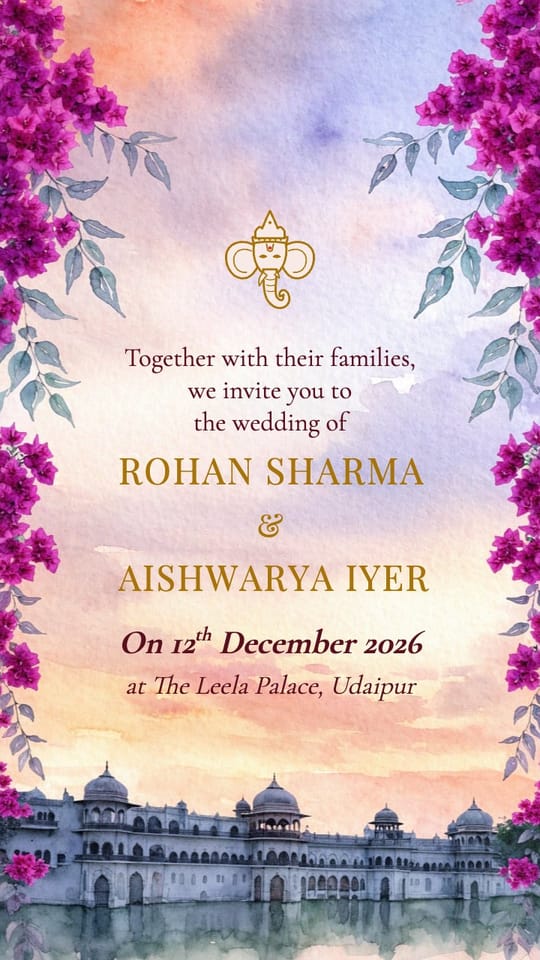
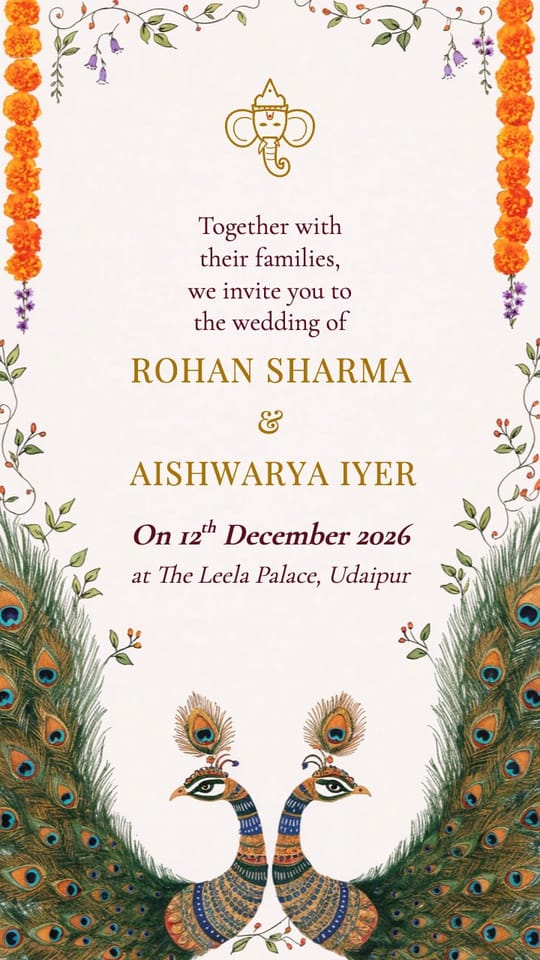
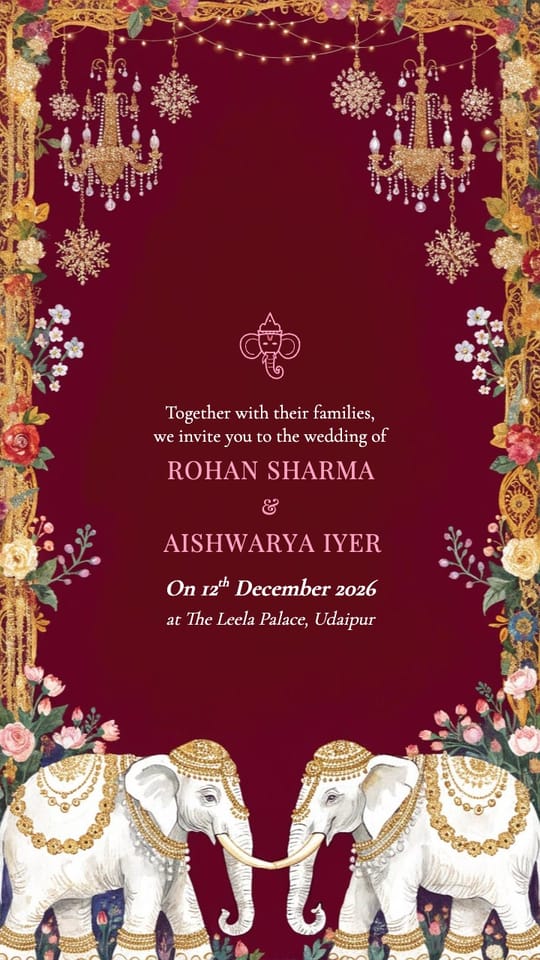
How do I create a marriage invitation card for free?
Open the editor, pick one of the wedding card designs and type your details. To get the card, press Download. Every page is ticked; untick the ones a group of guests doesn't need (say, a reception-only version for the office) and download a print-ready PDF or pictures. In the PDF, the venue opens the map and phone numbers call when tapped. For an animated version with music, tap Make it move in the same sheet.
E-card or video invite?
An e-card is a single picture: quick to open, easy to print, and good for elders who prefer something that looks like a card. A video invite plays every function one after another with music and animation, and feels more special when it arrives. Some guests find a video a slow way to check the date and venue, so many families send both: the video to everyone, then the main page as a picture that's quick to read, print or keep.
Designs to start from
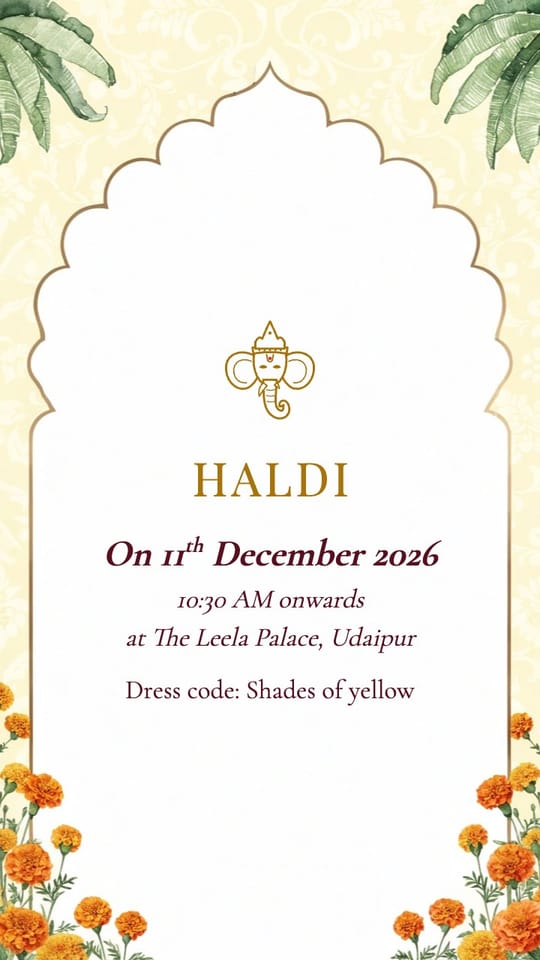
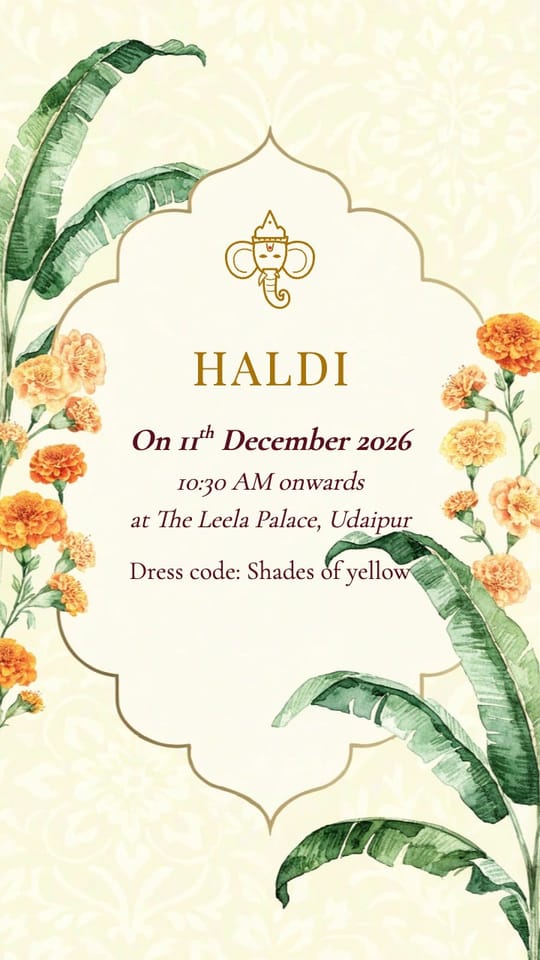
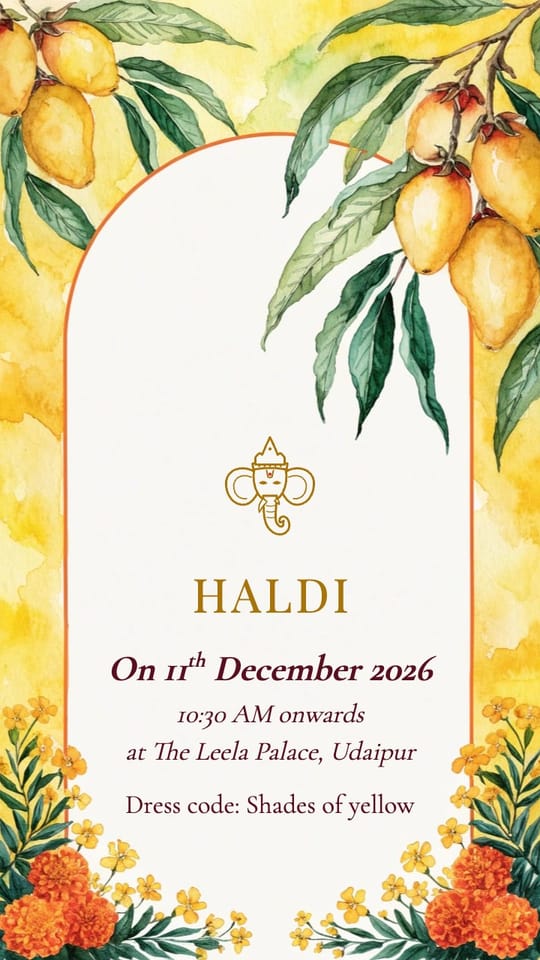
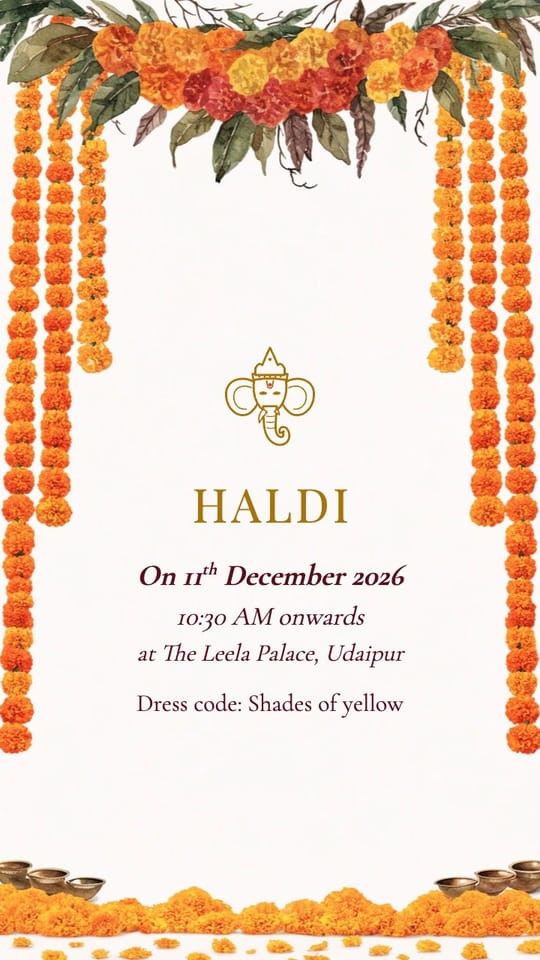
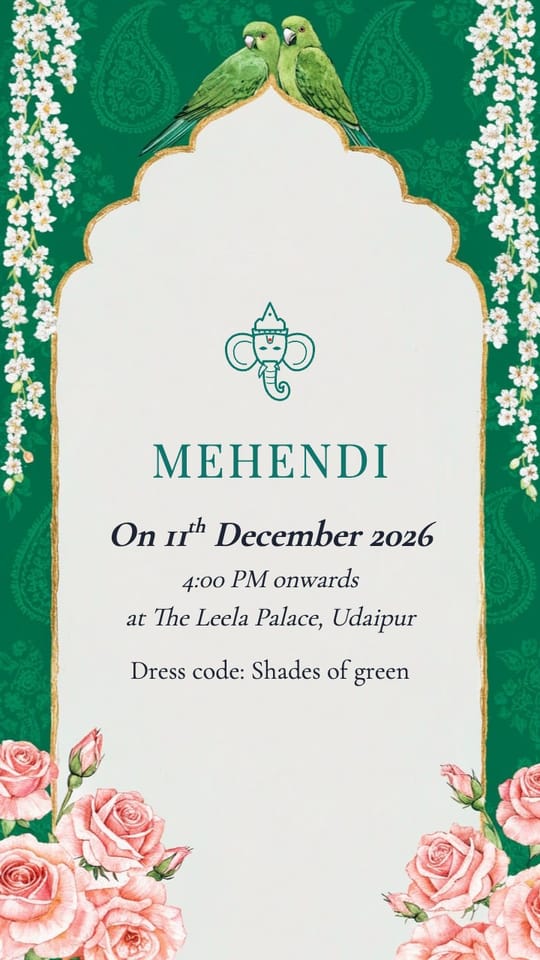
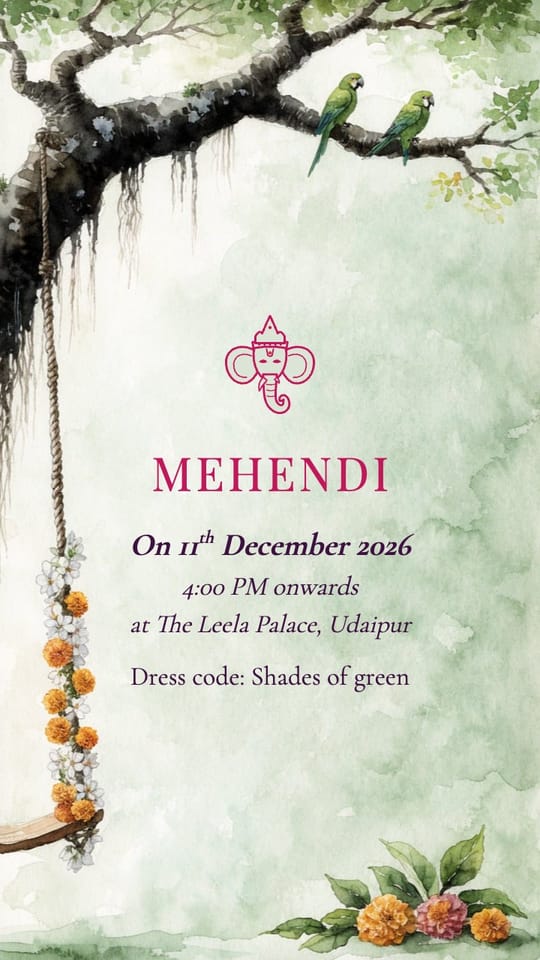
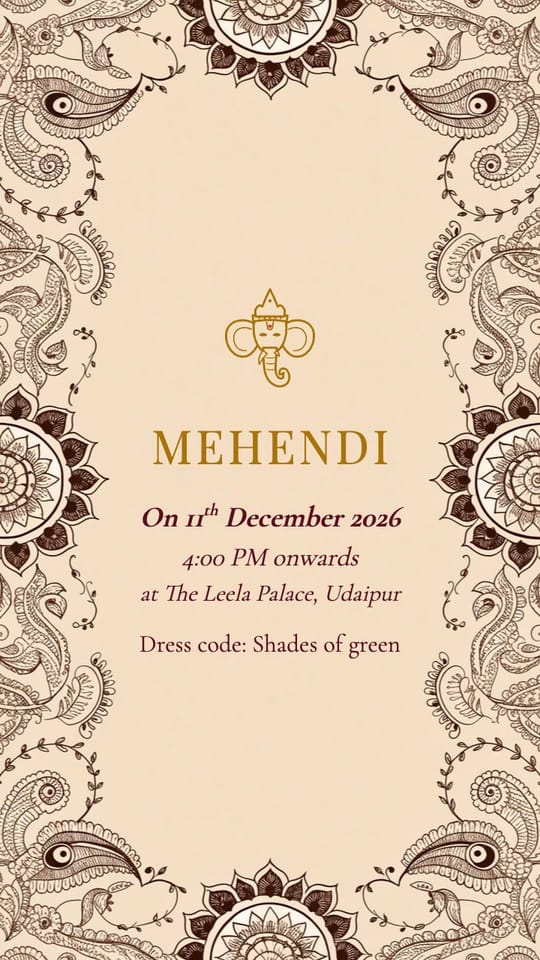
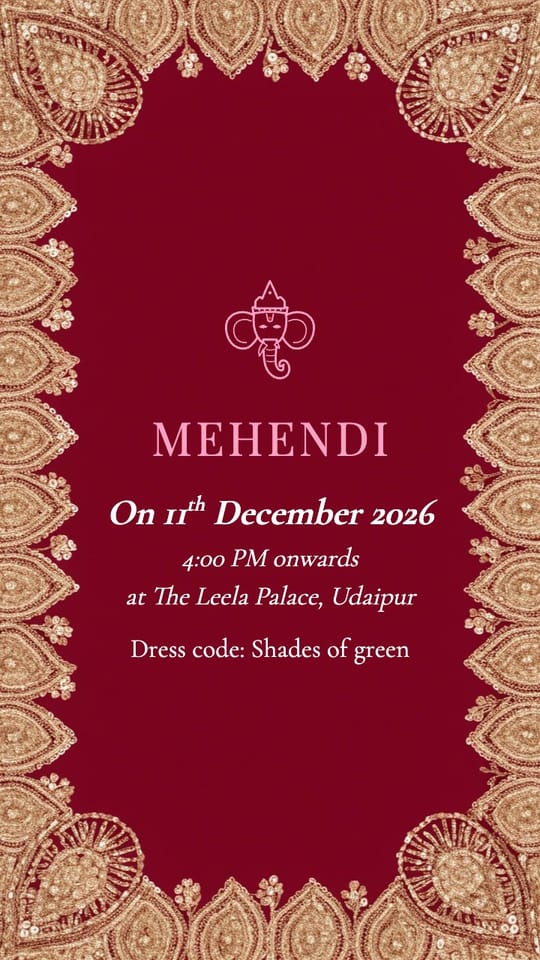
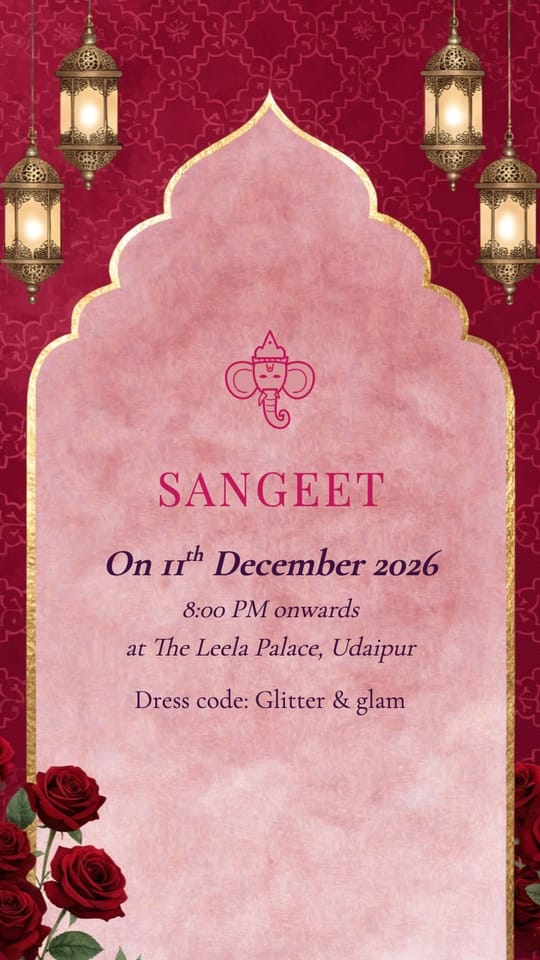
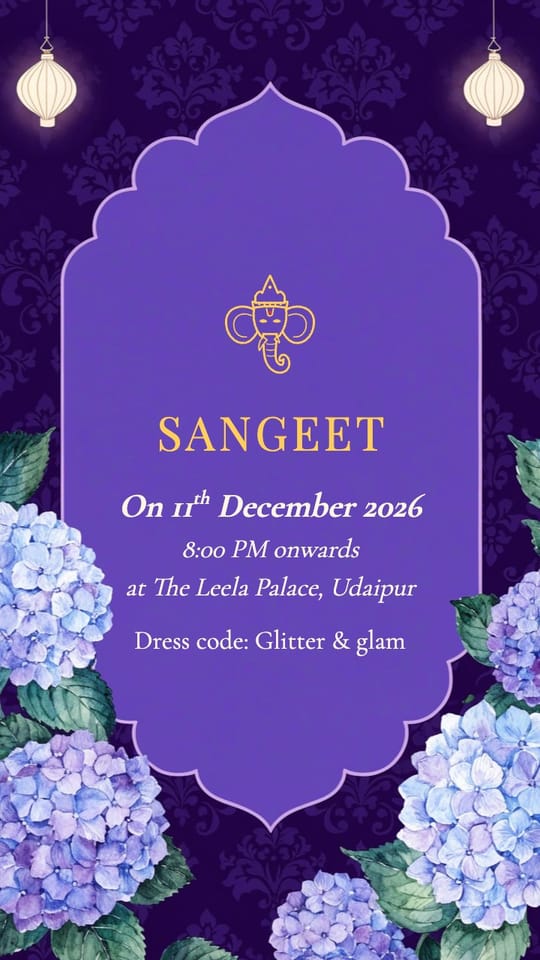
You can also browse every wedding card design or copy some wording.
How to create a wedding card online
Pick a design
Choose a card design: traditional, floral, royal or minimal.
Type your details
Tap each line to change names, parents, date and venue.
Download your card
Open the More menu (⋯), tap PDF or pictures, untick any pages you don't need, and download a print-ready PDF or pictures.
Questions people ask
What size is the e-card?
PDF pages are 1440 × 2560 (9:16, 5 × 8.9 inches), sharp enough to print. Pictures are 1080 × 1920, the shape of a phone screen, so they fill the screen on WhatsApp without cropping.
Can I print it?
It's sized for phones. For a small print (like 4 × 7 inches) it looks fine; for large printed cards, a print designer is still the better choice.
Is there a watermark?
No. The picture and video you download are clean.
Can I make cards for each function?
Yes. Add a page for Haldi, Mehendi, Sangeet, the wedding and the reception, then download each page as its own picture.